Mobile Top-Up Casinos in the UK: How They Work
 Available in GB
A practical guide to phone-bill and pay-as-you-go funding, SMS confirmation, costs and how mobile deposits differ from card payments.

Table of Contents
- What a Mobile Casino Top-Up Actually Means
- How Mobile Top-Ups Compare with Other Payment Methods
- Paying by Phone Bill or Pay as You Go
- SMS Confirmation for Mobile Casino Deposits
- Phone-Bill Deposits for Online Slots
- Using Mobile Deposits to Play Slots
- What Happens When You Top Up Slots with Your Phone
- Mobile Billing Costs and Deposit Checks
- How to Judge a Mobile Top-Up Option
- Using Phone Credit Without Confusing It with a Credit Card
What a Mobile Casino Top-Up Actually Means
A mobile casino top-up is a way to add money to a gambling account using a payment route connected to your mobile phone. The word “mobile” describes how the deposit is funded; it does not simply mean opening a casino website or app on a phone.
That distinction matters because you can play on a mobile device without making a mobile top-up. If you open a casino on your phone and pay using another method shown in its cashier, you are using a phone to access the casino, but the deposit is not necessarily a pay-by-mobile transaction. Conversely, a mobile payment option concerns the route used to add funds, whether or not you are thinking of it as a way to play on a small screen.
Payforit is one payment option associated with this kind of top-up. It is generally reserved for mobile players, but that does not mean every casino accepts it or that it will appear for every account. The available choices depend on the operator’s current cashier. Treat “mobile casino” and “mobile payment” as separate descriptions: one is about the device you use, the other is about how money reaches your gambling balance.
What to check before treating it as a top-up
Before paying, make sure you understand which action the cashier is asking you to take. A deposit adds money to your casino account; browsing games, signing in or using a casino app does not. If the cashier labels an option as Payforit, that is the relevant payment route. If you select a different option while using your phone, the fact that you are on mobile does not turn it into a phone top-up.

It is also worth pausing before your first deposit to decide what amount you can afford to spend. Remote gambling operators must prompt new customers to consider setting a financial limit before they deposit for the first time. Limit facilities at account level must remain available afterwards, so you should be able to find and review them beyond that initial prompt.
This is not a formality to click through without reading. A limit gives you a way to set a boundary for your gambling account before money is added. Consider it in relation to your own finances, rather than treating the deposit screen as a reason to decide on the spot. If the control is unclear, look for the operator’s account or safer-gambling settings before proceeding.
Why the wording can be confusing
People may use “mobile top-up” to mean different things: funding a casino account through a phone-linked payment option, adding funds while on a mobile device, or simply playing casino games on a phone. Only the first meaning identifies a payment method. The others describe access or timing and do not tell you how a deposit is being made.
For that reason, the phrase “mobile top-up casino” should not be taken as a promise that a particular casino has a phone-payment option. Availability is an operator and account matter, not something guaranteed by a casino’s mobile-friendly website. Check the cashier itself before choosing a deposit route, and do not assume that a payment option is present just because the site works on your phone.
A mobile casino top-up refers specifically to the payment route used to fund an account, not the device used to access the casino. You can use a phone to deposit via other methods without it being a mobile top-up transaction.
A careful distinction also helps you avoid confusing a top-up with the funds you may later want to receive from the casino. A deposit method is the route for putting money in; its name alone does not tell you what options will be available for any later payout. Read the cashier information for the account you are using rather than relying on the phrase “mobile casino” to explain the full payment arrangement.
The useful meaning, then, is narrow: a mobile casino top-up is a deposit made through a mobile payment route, not merely casino play on a phone. Payforit is generally aimed at mobile players, but the cashier determines whether it is offered to you. Before you make a first deposit, take the required prompt about a financial limit seriously and make sure you can still access your account’s limit controls afterwards.
How Mobile Top-Ups Compare with Other Payment Methods
When choosing a UK mobile top-up casino, you should check the payment options that suit you as well as how long withdrawals may take. Use the details below as a concise reference for the stated payout times.
Payout speed: 1-3 business days x3bet has a stated payout speed of 1–3 business days. You can use that timeframe as one point to consider when assessing it.
Payout speed: 1-3 business days Amunbet has a stated payout speed of 1–3 business days. You can use that timeframe as one point to consider when assessing it.
Payout speed: 1-3 business days Dieselwin has a stated payout speed of 1–3 business days. You can use that timeframe as one point to consider when assessing it.
Payout speed: 1-3 business days EvoSpin has a stated payout speed of 1–3 business days. You can use that timeframe as one point to consider when assessing it.
Payout speed: 1-3 business days SpinFormula has a stated payout speed of 1–3 business days. You can use that timeframe as one point to consider when assessing it.
Payout speed: 1-3 business days Britsino has a stated payout speed of 1–3 business days. You can use that timeframe as one point to consider when assessing it.
Payout speed: 1-3 business days Jetsetspins has a stated payout speed of 1–3 business days. You can use that timeframe as one point to consider when assessing it.
Payout speed: 1-3 business days WinBeast has a stated payout speed of 1–3 business days. You can use that timeframe as one point to consider when assessing it.
Payout speed: 1-3 business days SlotoSport has a stated payout speed of 1–3 business days. You can use that timeframe as one point to consider when assessing it.
Payout speed: 1-3 business days Chanze has a stated payout speed of 1–3 business days. You can use that timeframe as one point to consider when assessing it.
Payforit is one way to add money to a casino account from a mobile, but it is not the only option a cashier may offer. The useful comparison is not simply whether a method works on a phone. Consider what account or payment arrangement it uses, whether it is available to you, and whether its terms fit how you intend to manage your spending.
Payforit is a pay-by-mobile option. Other methods may include Boku, e-wallets and Paysafecard, which specialist reviews describe as alternatives. They are not interchangeable: each has its own setup and conditions, and a method appearing in a review does not mean it will be offered by a particular casino. Check the cashier after signing in rather than relying on a general list.
Cards and account-based options
Debit cards can be a practical alternative where they appear in the cashier. Specialist reviews describe them as free to use for deposits at UK casinos and more widely accepted than Payforit, but that is not a guarantee about every operator or account. Check the payment screen for the available card brands and any terms attached to a deposit.
Visa and Mastercard are among the card names listed in specialist reviews of casino payment options. For gambling in Great Britain, however, the relevant distinction is debit rather than credit: remote gambling licensees must not accept credit-card payments for gambling, including when the payment is routed through a money service business. Do not treat a card logo alone as confirmation that a card is suitable. Follow the cashier’s instructions and use an eligible payment source.
E-wallets are another possible alternative. Skrill and Neteller are among the names included in independent specialist reviews of casino payment methods. Whether either one is available to you depends on the operator’s current cashier. An e-wallet may suit someone who already uses that service, but it is not a way to route credit-card funds into a gambling account. Check the funding source and the operator’s terms before choosing it.

Prepaid and other options
Paysafecard is a prepaid alternative named alongside Payforit in specialist reviews. It may appeal if you want to use a prepaid payment option rather than a phone-based one, but its presence should not be assumed. The cashier is the place to confirm whether it is supported and to review the conditions shown for your account.
Boku is another pay-by-mobile alternative. Its presence in a general payment guide does not confirm that a specific casino currently accepts it. Look for it in the live cashier before relying on it. The same principle applies to any method that a review describes: payment options can differ between operators and change over time.
Independent current reviews also list several major cryptocurrencies as casino payment methods, alongside Visa, Mastercard, Skrill, Neteller and Paysafecard. This is a description of methods reported by specialist sources, not evidence that a particular UK casino accepts them. Do not send funds or make assumptions based on a list elsewhere; use only the options and instructions displayed by the operator.
Choosing what to check
A mobile top-up may be relevant when you want to pay through a phone-based service, while a debit card, e-wallet or prepaid option may suit a different payment arrangement. None is automatically the better choice for every player. The key is to compare what the cashier actually offers with the way you plan to fund the account, then read the method-specific conditions before proceeding.
Widely accepted and free for deposits at UK casinos, though availability depends on the operator.
Options like Skrill and Neteller that depend on the operator’s current cashier.
Methods such as Paysafecard for those who prefer prepaid funding over phone-based routes.
Services like Payforit and Boku that route deposits through your phone account.
Before your first deposit, take a moment to consider a financial limit. New remote customers must be prompted to consider one before depositing, and account-level limit facilities must remain accessible afterwards. Set a limit that reflects what you can afford to lose; changing payment method does not change the need to manage your overall spending.
The cashier should guide your decision, not a broad claim that a method is available everywhere. Confirm the option is listed for your account and check the current deposit terms before authorising a payment. If Payforit is absent, do not assume that another mobile service will work in its place: choose only from the methods shown. Likewise, seeing a method mentioned in a specialist review is a reason to check, not a promise of availability.
Paying by Phone Bill or Pay as You Go
A casino top-up by phone draws on your mobile account rather than a debit card or a separate wallet. With Payforit, the source depends on how your phone service is set up: a monthly contract payment is added to a future phone bill, while a Pay as You Go payment is taken from credit already on the phone. The casino receives a deposit, but the charge is collected through your mobile service.

That distinction matters when you decide whether to top up a casino by phone. On a contract, the amount does not come out of a bill you have already paid; it is added to a later bill. On Pay as You Go, the amount comes from your prepaid balance. In either case, you are using funds associated with your phone account, not borrowing from a credit card.
If you have a monthly contract
A Payforit deposit made on a contract phone is recorded as a charge for your next phone bill. It is separate from the amount you have already paid for your mobile service, so the cost of the deposit may appear alongside other charges when the bill is issued. If someone else pays that bill, or you share responsibility for the account, consider that before using the phone to fund a casino account.
It can be easy to focus on the casino balance and overlook where the money will later be collected. Keep the two records distinct: the casino account shows the funds deposited for play, while the mobile account carries the payment obligation. Reviewing your phone account after a deposit can help you recognise the charge when it appears on the bill.
A contract phone does not make a Payforit deposit a card payment. The payment is associated with the mobile account and is added to a future bill. That is different from entering debit-card details or paying through a separate financial account. Still, the source of the money is your responsibility: a charge added to a bill remains an expense you will need to meet.
Deposits made via a monthly contract are added to your future phone bill, meaning the cost is collected later rather than being drawn from a pre-paid balance.
If you use Pay as You Go
With Pay as You Go, a Payforit deposit comes from prepaid phone credit. You have already put funds onto the mobile account, and a deposit uses some of that balance. It is not added to a later bill in the way a contract-phone payment is. If your credit is being kept for calls, messages or data, taking some of it for gambling can leave less available for those needs.
Think about the purpose of the balance before treating it as spare money. Credit on a phone may feel separate from cash in a bank account, but it still has a value and a use. A casino deposit does not change that: it redirects part of the prepaid balance to gambling rather than mobile services.
This is why “pay by phone” can describe two different funding arrangements. For a contract customer, the payment is collected through a future bill. For a Pay as You Go customer, it is drawn from existing prepaid credit. The casino deposit may look similar from your account’s point of view, but the effect on your phone account is not the same.
Check which account is being charged
Before choosing Payforit, make sure you understand whether your mobile service is billed monthly or funded in advance. If you are unsure, check your mobile account details rather than assuming that a phone number alone tells you how the charge will be handled. The relevant question is where the payment will land: on a later bill or against credit already available.
Also consider who controls or pays for the mobile account. A charge on a contract bill may be visible to the person who manages that bill; a Pay as You Go deposit reduces credit that may have been set aside for ordinary phone use. Neither arrangement makes the deposit cost-free. It changes the route by which the money is taken.
Payforit can therefore suit different phone arrangements in different ways, but the funding source should be clear to you before you proceed. If the phone credit is needed for essential communication, or a future bill is already difficult to manage, pause rather than treating the mobile account as an extra gambling budget. A phone can be the payment route without being a separate source of money.
SMS Confirmation for Mobile Casino Deposits
An SMS step is part of authorising a pay-by-mobile deposit, not simply a message telling you that money has already been added. With Payforit, the process involves selecting it in the casino cashier, entering your mobile number, receiving a confirmation code by text and submitting that code to approve the transaction. Boku also requires confirmation by SMS before funds move.
Confirming a Payforit deposit
Start in the cashier and choose Payforit if it is offered for your account. Enter the mobile number carefully, then wait for the text containing the confirmation code. When it arrives, enter the code in the requested field and submit it. That submission is the step that confirms the deposit.
Keep the cashier screen open while you complete the process, and check that the number you entered is the one linked to the phone you can access. If the number is wrong, you may not receive the text needed to continue. Do not enter a code sent to a different number or submit one you cannot identify as part of the payment you have just started.
Confirming Payforit
Choose Payforit in the casino cashier and enter your mobile number.
Wait for a text message containing a unique confirmation code.
Enter the received code into the requested field in the cashier and submit it to approve the transaction.
The code should be treated as approval for that transaction. Read the details shown in the cashier before confirming, and do not submit the code if the amount or payment details do not match what you intended. If you are unsure whether a text relates to your current deposit, pause rather than guessing. You can return to the cashier and check the transaction status before trying again, so you do not accidentally authorise a second payment.
Once you have submitted the code, follow the cashier’s on-screen result. Avoid assuming that a text arriving by itself means the deposit has been authorised: for Payforit, the code must be entered and submitted. Equally, if the screen does not clearly show what happened, check the account balance or transaction status before starting another request.
Boku also asks for SMS confirmation
Boku uses a similar confirmation principle: you must confirm the transaction by SMS before the funds move. Follow the instructions shown during the payment and make sure you are responding to the request you initiated. If you have not started a Boku deposit, an unexpected confirmation request is not something to approve.
The exact screen wording can differ between cashiers, so use the instructions displayed for the selected method rather than relying on a previous payment as a template. The important distinction is that choosing the method and entering details begins the process; the SMS confirmation authorises it. With either Payforit or Boku, take a moment to check the transaction presented to you before submitting a code.
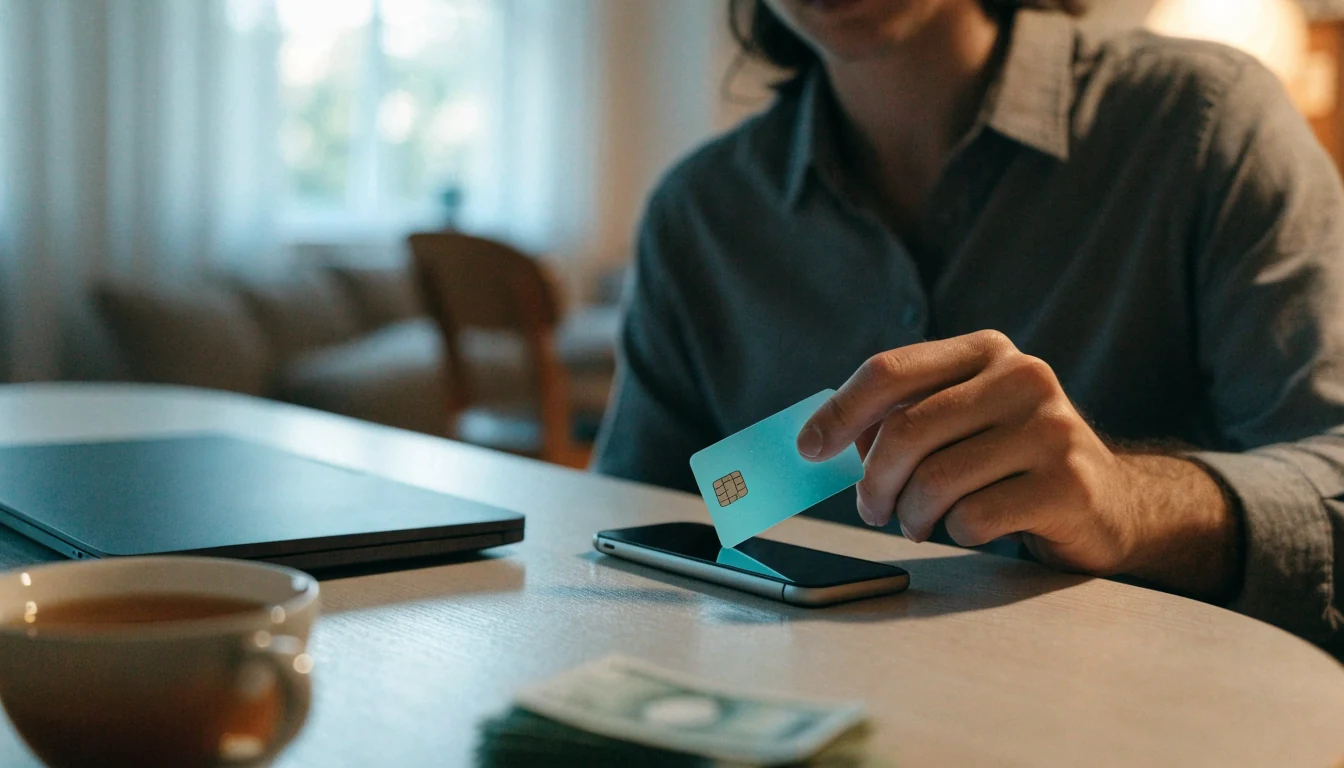
If a message does not arrive or the cashier does not accept the code, do not keep making fresh attempts without checking the status of the first one. Revisit the payment screen or contact the operator through its stated support route if you cannot tell whether the transaction was confirmed. This keeps the focus on the authorisation you intended, rather than creating uncertainty about multiple requests.
Phone-Bill Deposits for Online Slots
If you are considering an online casino top-up by phone bill to fund slot play, check what the payment option means after the deposit as well as before it. Payforit can put funds into a casino account, but it cannot be used to withdraw casino funds. A successful deposit therefore does not establish that the same route will be available when you want to receive a balance.
Before paying, look at the casino’s withdrawal options and current account terms. Confirm that you have a suitable alternative payout route and that it can be used with your account. If you rely on Payforit alone, you could find that you have no way to receive funds through the method you used to deposit. The cashier and the operator’s terms are the places to check what is currently permitted; do not assume a deposit option doubles as a withdrawal option.
Promotions are another point to check before you choose Payforit. A specialist review reports that many UK casinos exclude deposits made this way from welcome bonuses and other promotional offers. Treat that as a reason to read the specific offer terms, not as a guarantee about every casino. The terms should make clear which payment methods qualify and whether a Payforit deposit affects eligibility. If the wording is unclear, check with the operator before depositing rather than relying on a bonus being added afterwards.
Payout Limitations
Payforit can be used to add funds to your account, but it cannot be used to withdraw them. Ensure you have an alternative verified payout route available.
This matters if you are comparing phone-bill funding with a promotional offer. A payment can be accepted for your casino balance while still not counting towards a bonus. Keep the deposit decision separate from the assumption that an offer will apply: check the conditions for the offer you intend to use and the payment method you plan to select.
Payforit is also a funding choice, not a feature of the slots themselves. The cashier determines whether it is available for your account, and its presence should not be taken to mean that every other condition is settled. Read the deposit and withdrawal information together, especially if you are choosing a site because it accepts payment by phone.
Before you confirm an online slots top-up by phone, make sure you understand the practical trade-off: Payforit may provide a way to deposit, but it does not provide a way to withdraw, and it may not qualify for promotions. Check the relevant terms while you can still choose another payment route. That simple pause can prevent a mismatch between how you intend to fund play, what you expect from an offer, and how you would later access money in your account.
Using Mobile Deposits to Play Slots
A mobile deposit can be a way to add money to a casino account before playing slots on a phone, but the payment route and the games are separate choices. Paying by phone does not itself unlock a particular slot or mean that every casino offering mobile play accepts Payforit. The deposit options shown in your account’s cashier are the relevant guide.

Payforit is generally reserved for players using a mobile device. If you want to fund an account this way, check whether Payforit appears in the cashier when you access it on your phone. Its presence should not be assumed from the fact that the casino’s games work on mobile: payment support can differ between operators and can change.
It is also worth separating “mobile casino” from “mobile top-up”. A casino may let you play slots on a phone while offering other ways to deposit; conversely, a pay-by-mobile option does not tell you which slots are available or how they work. Check the game area and the cashier independently, rather than treating one as proof of the other.
Before you deposit, make sure you are using the correct account and that the cashier is showing a method you are prepared to use. If Payforit is not listed, do not assume that a similar-looking phone payment option is available. The cashier sets out the methods the operator currently permits for that account. This keeps the decision grounded in what you can actually select, rather than in a general description of mobile slots.
Once funds are in your account, the payment method does not change the basic need to understand the slot’s rules and your own spending boundary. Set a financial limit before depositing and keep account-level limit controls accessible afterwards. If you decide that the available mobile deposit route does not suit you, pause and review the other methods actually displayed in the cashier before proceeding.
- Set a financial limit before depositing
- Check the live cashier for available methods
- Use the correct account linked to your phone
- Assume mobile-friendly sites always accept Payforit
- Treat mobile top-ups as a separate source of money
- Rely on general reviews for current availability
What Happens When You Top Up Slots with Your Phone
A phone-based deposit is limited by the amount permitted for a single transaction. A specialist payment-method review reports a £30 per-transaction cap for Payforit, attributed to the Phone-paid Services Authority. The same type of review gives Boku a standard maximum of £30 per transaction. These figures describe reported caps, not a promise that every casino will accept a deposit at that amount: the operator’s cashier controls the options available to your account.
That matters if you are trying to add a particular sum before playing slots. A request above the applicable transaction cap may not go through as entered. Do not try to get around a pay-by-phone limit by splitting a larger intended deposit into repeated payments. Decide whether the permitted amount fits your budget, and stop if it does not.
Boku has an additional practical condition: your available phone credit must cover both the deposit and any network fee. If the balance only covers the deposit itself, the payment may fail. A fee can therefore affect whether the transaction succeeds, even when the requested deposit is within Boku’s stated cap. Check your available credit before proceeding, and do not assume the displayed deposit amount is the only amount your phone balance needs to cover.

Payforit and Boku are separate payment routes, so a cap for one should not be treated as a general allowance for the other. Nor does a stated maximum mean that the casino will offer that amount: the cashier may set a lower maximum or other account-specific conditions. The useful check is the amount the cashier actually allows for the method you select, alongside the funds available through your phone arrangement. If the transaction cannot be completed within those limits, choose another permitted option only if it suits your circumstances; do not keep retrying a payment that your balance or the stated cap cannot support.
Mobile Billing Costs and Deposit Checks
The amount shown for a deposit is not necessarily the only cost to consider when paying through Boku. A specialist payment review reports that a mobile network can add a processing fee, and that charge depends on the network and tariff attached to your phone. Check the terms for your own service before confirming a payment; do not assume that another customer’s experience or a fee shown for a different tariff will apply to you.
Before using mobile billing at a casino, open its live cashier and inspect the details for the payment option you intend to use. Confirm the minimum deposit and the maximum transaction value currently permitted, and look for any fee displayed before you proceed. These details can differ between payment methods and may change, so information saved from an earlier visit may no longer be reliable.
Check your account’s financial-limit controls at the same time. Set a limit that fits your circumstances before depositing, and make sure you understand which controls are available on your account. If the cashier does not make the cost or transaction conditions clear, pause rather than treating an unclear amount as confirmation that no fee applies.
Mobile network providers may add a processing fee to Boku transactions depending on your specific tariff and network.
A mobile billing casino payment can feel straightforward because the charge is handled through your phone service, but that does not remove the need to review the full amount and the account settings first. For mobile billing slots, make the same checks before adding funds: the relevant cashier is where to confirm the current deposit conditions, while your network’s tariff information can clarify whether Boku carries a processing charge for your service.
Take a moment to compare the displayed deposit amount with any stated network fee and to check that your chosen amount falls within the cashier’s current range. If either detail is missing or confusing, contact the operator or your network before authorising the transaction.
How to Judge a Mobile Top-Up Option
A mobile top-up may suit you if charging a deposit to your phone bill or using prepaid credit fits how you manage spending. That alone does not make it the right choice: consider how you would access any funds you later want to withdraw, and check the casino’s current terms before paying.
Start with your phone arrangement. Payforit deposits are taken from a monthly phone bill or a Pay as You Go balance, so confirm which applies to your number and whether you have enough available credit. Then check the cashier while signed in. Payment options, fees and transaction conditions can differ between accounts and may change; do not assume a method mentioned elsewhere is currently available to you.
Next, look at the payout route rather than treating deposit and withdrawal methods as interchangeable. Payforit cannot be used to withdraw casino funds. A specialist review may describe a deposit method as suitable, but that does not establish that it is available for withdrawals on your account. Check the cashier’s withdrawal options and the operator’s current terms before depositing, so you know what verified alternative you could use to receive a payout.

Before making a deposit, check whether any identity verification is still outstanding and whether the payout details match your account. An unresolved check or a payment route that does not fit your account information can affect a withdrawal, even if the deposit itself went through. If the available route is unclear, contact the operator before adding funds rather than relying on an assumption.
A sensible comparison is therefore personal, not a ranking: does the mobile method work with your phone and spending arrangement, is it currently offered in your cashier, and can you use an available withdrawal route later? These checks are more useful than choosing a method simply because it is labelled the best mobile top-up option.
Using Phone Credit Without Confusing It with a Credit Card
A casino top-up with phone credit is not the same as paying with a credit card. With Payforit, the deposit is charged either to your mobile account or to prepaid phone credit. It does not turn a credit-card payment into an allowed form of gambling payment.

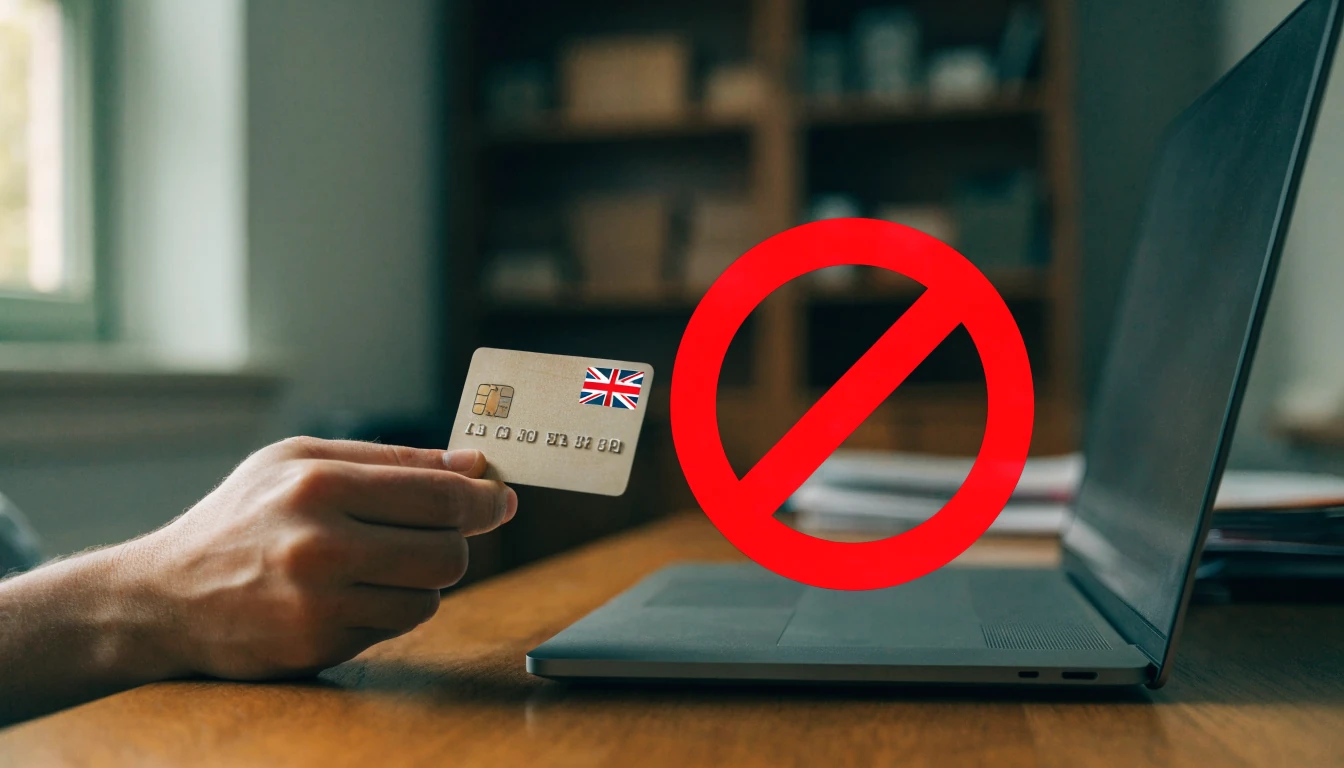
UK Gambling Commission rules prohibit remote gambling licensees from accepting credit-card payments for gambling. That restriction also applies if the payment is routed through a money service business. Using an intermediary does not change the source of the funds or make a credit-card gambling payment permissible.
Payforit also has an important limitation: it can add funds to a casino account but cannot be used to withdraw casino funds. Before depositing, make sure you have another verified payment source available to receive any withdrawal. This could be a bank account, an e-wallet or another payment route the operator accepts for your account.
Do not assume that the method you use to deposit will also be available for payouts. Check the cashier and the operator’s current terms, and ensure the withdrawal details match your account information. If you cannot use an accepted withdrawal route, pause before depositing rather than expecting phone credit to serve both purposes.
Can I use Boku on a pay-as-you-go phone?
Yes, if your phone credit covers the deposit and any network fee. You must also confirm the transaction by SMS.
Can I withdraw casino winnings through Boku?
No. Boku is a deposit method, not a way to withdraw casino funds.
What is the maximum I can deposit with Boku at a UK casino?
Boku deposits are capped at £30 per transaction.
Are there fees for using Boku at online casinos?
Your mobile network may charge a processing fee, which varies by network and tariff.
Is there a maximum deposit amount with Payforit at UK casinos?
Yes. Payforit deposits are capped at £30 per transaction.
Which UK casinos still accept Payforit in 2026?
Payforit is available at the cashier at operators such as Kwiff, NetBet, JackpotJoy and Virgin Games. Check your account’s cashier to confirm it is offered to you.
Prepared by the Candyland Casino 3 editorial staff.